You can sign in to Office 365 on your computer or tablet by opening a web browser. Your login is your <user name>@massageaddict.ca
-
Go to https://portal.office.com to sign in.
-
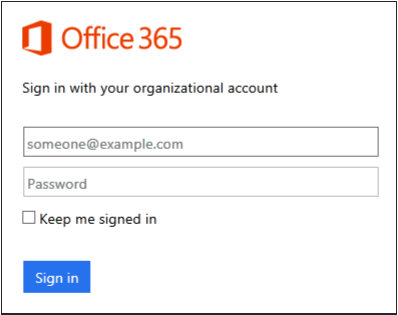
Type your user name and password, and then select Sign in.
-
If this is your first time signing in, you're asked to change your password. Type a new password, and then select Save.
0 Comments